Secure actions coding agents take, and the code they write.
.avif)




How coding agent governance works
.avif)
.avif)
.avif)
Take a tour of coding agent governance
Your Tools, Your Languages
— All Secured
FAQs
An AI coding agent, or AI coding assistant, wraps an AI model with prompts and tools that are purpose-built for writing code and developing applications. Unlike a general-purpose agent, coding agents require additional security and governance because they inherit developer permissions, modify systems, execute code, and import open source dependencies from the internet.
Coding agents operate with access to source code, files, credentials, tools, and development systems—often before traditional AppSec controls ever see the result. An unsafe command, sensitive file read, risky tool call, malicious package install, or insecure code change can therefore happen during the agent’s work rather than at code review.
Common risks introduced by AI coding agents include destructive commands, unauthorized access to secrets and credentials, unsafe MCP tool calls, prompt injection, malicious or vulnerable dependencies, and security flaws introduced into generated code.
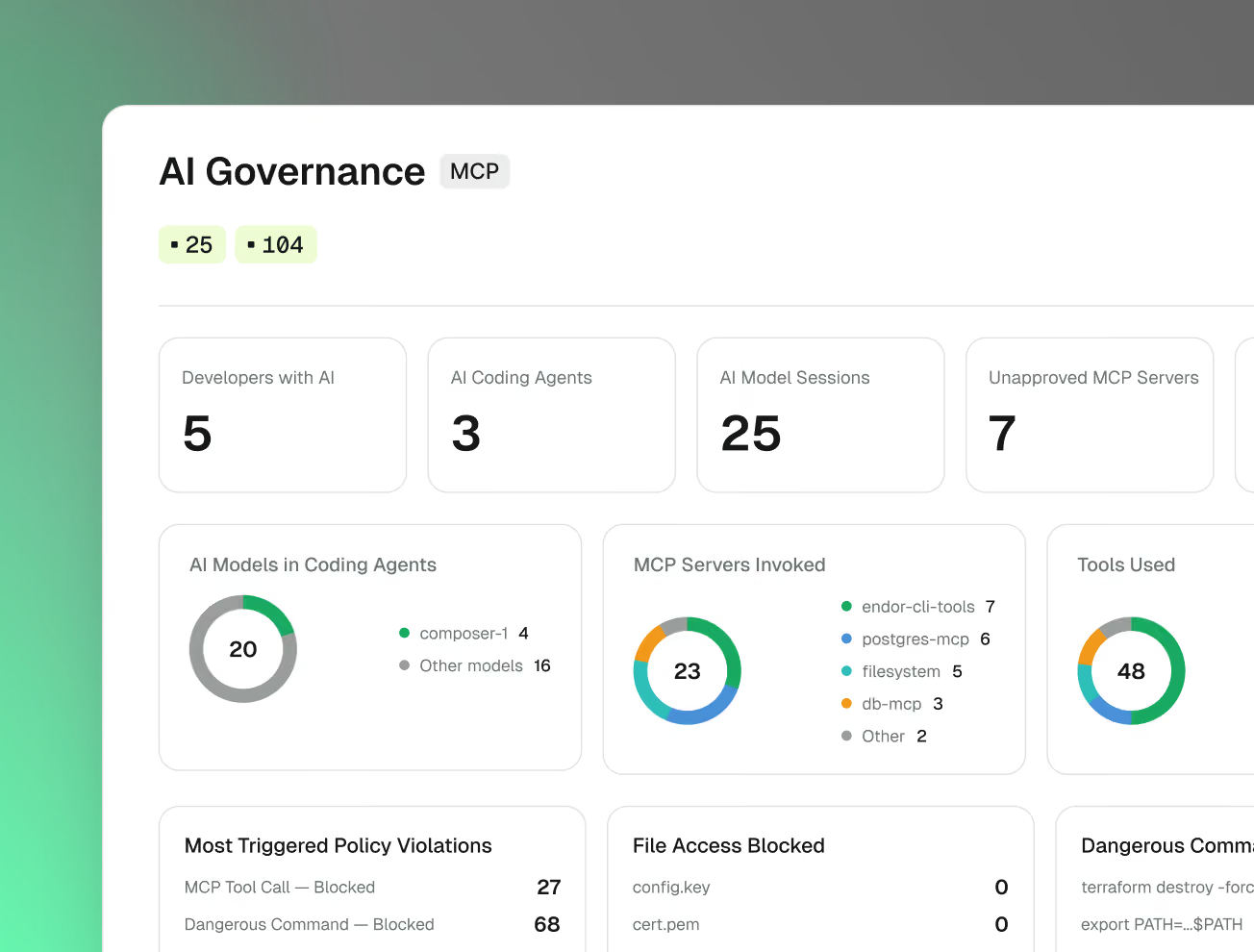
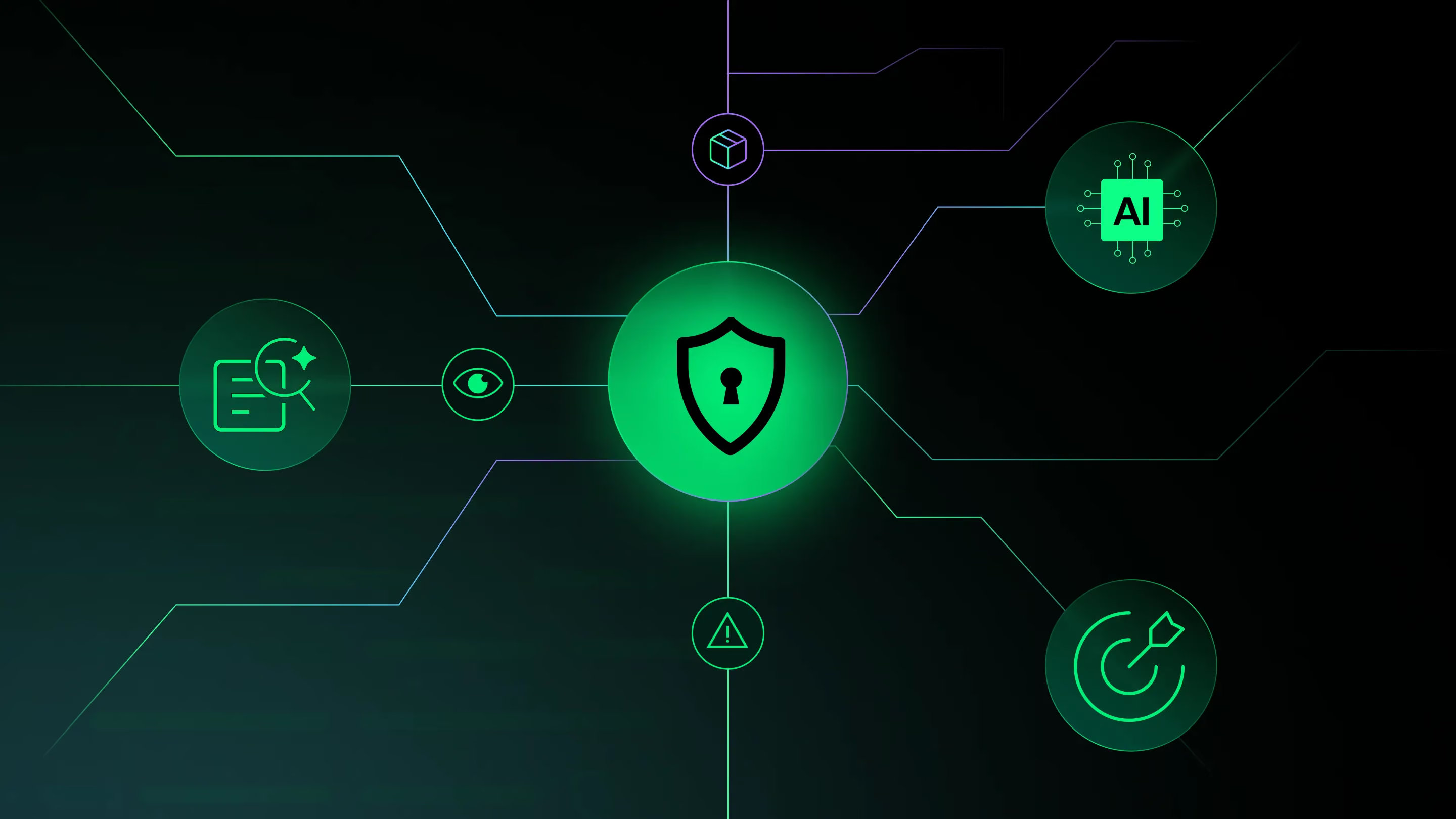
Coding agent governance gives security and engineering teams centralized visibility and policy control over the agents, models, tools, and components used in agentic software development, and over the actions those agents take at runtime. It creates an auditable way to allow safe behavior and block or investigate risky actions.
Endor Labs combines visibility into coding agents and their AI supply chain with runtime policy enforcement through native hooks. Package Firewall blocks risky dependencies at install time, while Endor Labs application security capabilities scan the code, secrets, and dependencies agents produce, all from the same platform and control plane.
It shouldn’t require another manual security gate. Endor Labs applies controls inside the workflows developers and agents already use: evaluating agent actions before they execute, checking packages at install time, and bringing security analysis directly into development workflows. Safe activity continues while policy violations can be blocked or surfaced for review.
An agent loop is the cycle an AI coding agent uses to complete a task: interpret a goal, decide what to do next, take an action, observe the result, and repeat until the task is complete. That loop can include reading or editing files, running shell commands, calling MCP tools, installing packages, and interacting with other development systems.
Traditional application security often evaluates code after it has been written. Coding agents introduce risk earlier: they can take consequential actions while they are still reasoning through a task. Security inside the agent loop lets you evaluate and enforce policy before an unsafe command runs, a sensitive file is accessed, a risky tool is called, or a malicious package is installed.
Hooks are native extension points exposed by coding agents that can run before or after specific agent actions. Security teams can use them to inspect context, apply policy, log activity, and allow or block actions such as shell commands, file access, MCP tool calls, or other sensitive operations. Because hooks run in the agent’s normal workflow, they provide a way to enforce security without waiting for code to reach a pull request or CI pipeline.
No. Coding agent governance does not require deploying a traditional endpoint-security agent alongside your EDR. Endor Labs uses the native hooks integration and policy mechanisms provided by supported coding agents to observe and govern agent activity. This keeps the control close to the coding workflow while avoiding another general-purpose endpoint agent.